
KXbps.
A native KDE Plasma front end for xbps, the Void Linux package manager.
KXbps is a package manager for Void Linux that looks and behaves like a KDE application. It drives the real xbps tools and shows you what they report.
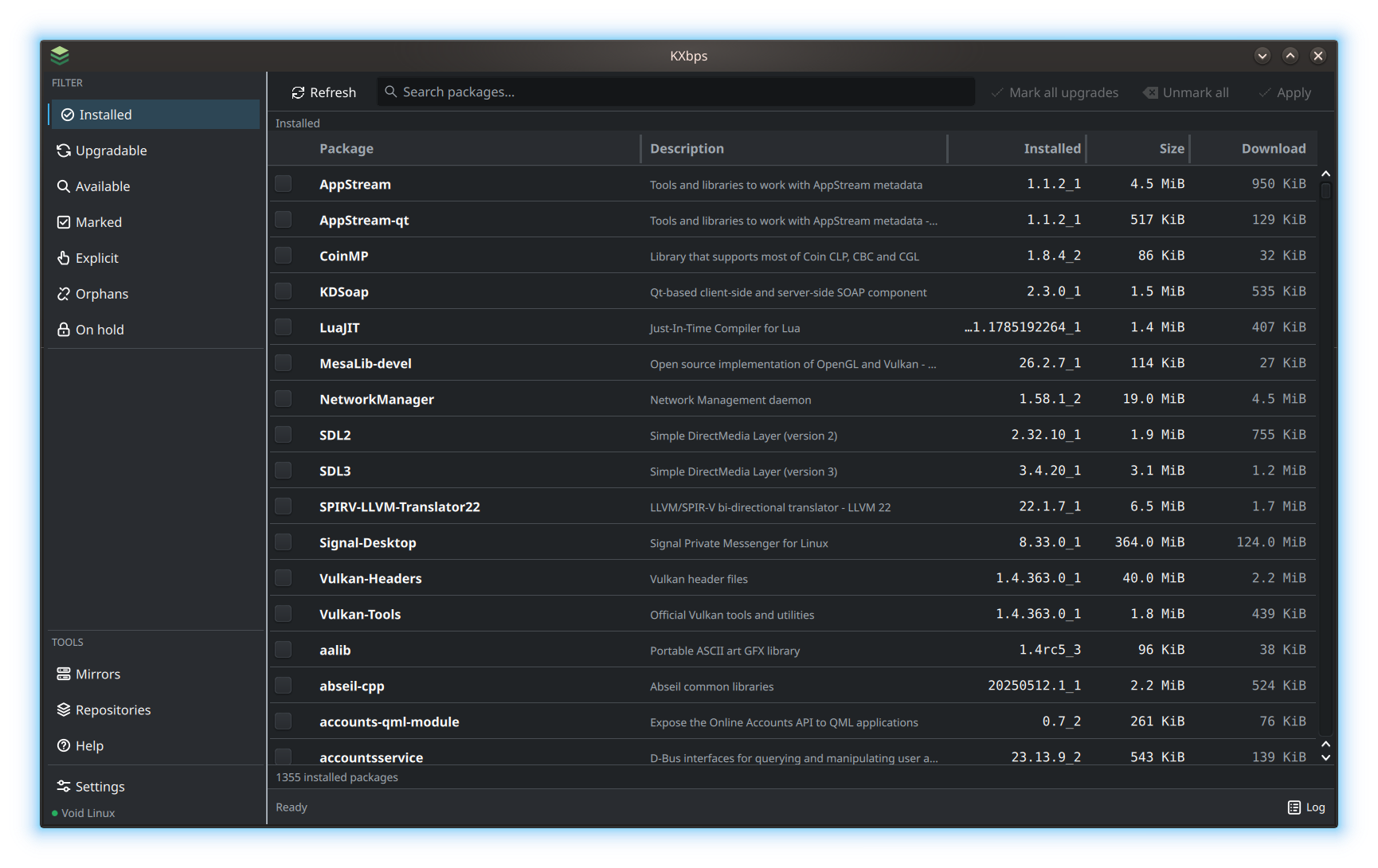
FIG. 01Installed packages
Your installed packages, versions and sizes in one table.Captured in the application. Screenshots show the author’s builds; see GitHub for published releases.
The same system.
A clearer view.
$ xbps-queryVoid Linux ships xbps, a fast package manager with a terse command line. KXbps puts a Qt interface in front of it without hiding anything. The installed packages, the upgrades, the repository search and the package details all come from the system’s xbps tools. There is no bundled catalog and no pretend state: a fresh install starts empty and fills up as the system is read.
It shows what is installed, what can be upgraded, what is marked, and which packages are explicit, orphaned or on hold. The Available view reads the configured repositories and filters the list as you type; search patterns can also be sent to xbps.
Rows carry the installed and repository versions, the installed and download sizes, and the state, and package details open below the list instead of in a separate window.
Mark it.
Check it.
Then apply it.
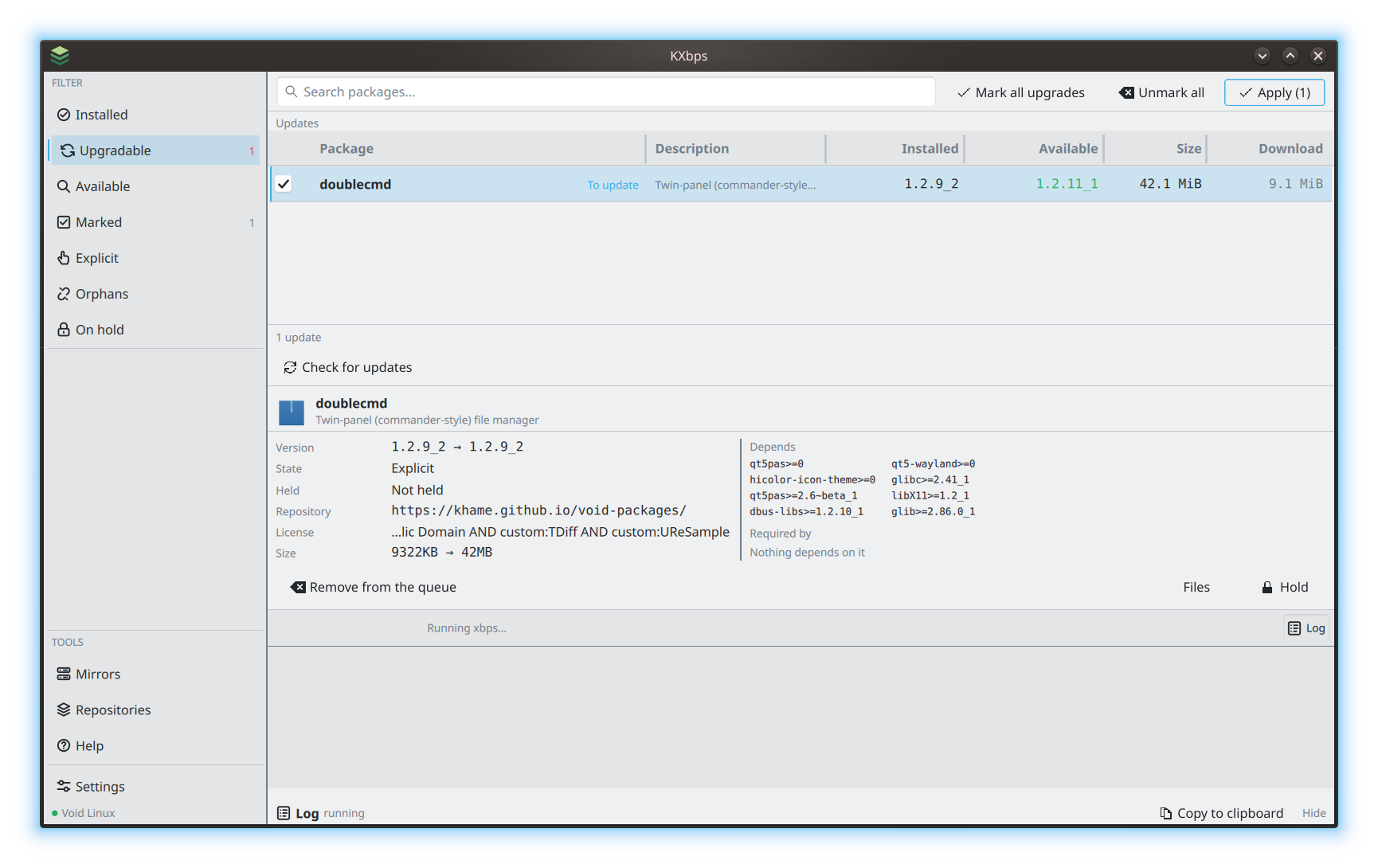
Changes go into a queue before anything touches the disk. You mark packages for install or removal, review the transaction xbps will run, and apply it when it looks right.
The plan shows the packages, the dependencies and the sizes reported by xbps’ dry run. If xbps refuses a change, its reason is shown before the transaction starts.
 Enlarge
You can see
what it’s doing.
Privileged work goes through polkit, so you authenticate when a transaction runs, not when the window opens. The log drawer keeps the raw output of transactions, update checks and mirror probes, ready to open or copy when needed.
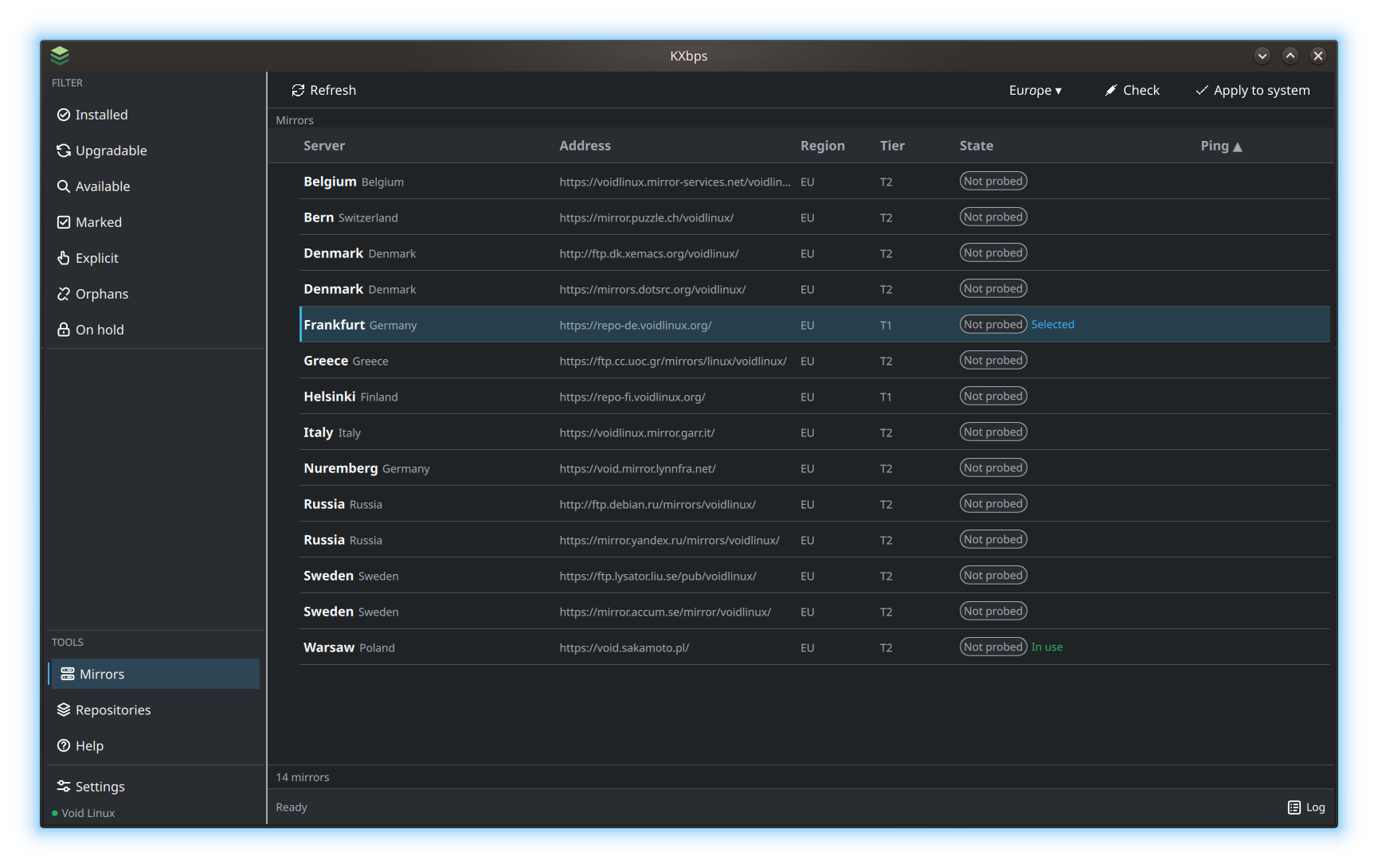
The mirrors page lists Void’s mirrors by region, probes their latency and switches the one xbps uses. The Repositories page manages the configured repositories through the same polkit flow.
 Enlarge
At home in Plasma.
KXbps is written in Rust with a QML front end built on Kirigami, so it follows the Plasma theme and your font settings. It is free software under GPL-3.0-or-later, and the interface follows your system language, including English and Polish.
Update checks can fetch repository indexes into memory without writing them to disk or asking for root. The tray icon and the taskbar badge show available updates; desktop notifications are optional.
- System
- Void Linux
- Interface
- Qt / QML / Kirigami
- Core
- Rust + xbps
- License
- GPL-3.0-or-later
How and why
it started
Two years ago I decided I was done with Windows at home. The other computers were already clean, and only the last holdout was left: my wife’s laptop. When that one went too, it was the end of Windows in our house for good.
She got Debian first. After a while I moved her to Void, and she didn’t even notice. Until she wanted to install something.
That’s where the trouble started. Typing a command in a terminal doesn’t bother me, but she sees no reason to learn that. She wants to find a program, click “Install” and be done with it. And I didn’t want to be her personal helpdesk for every single installation. That’s when I started working on a graphical front end for xbps, almost two years ago.
So I built KXbps.
On your Void system.
KXbps is available from Khame’s signed repository for Void Linux on x86_64 with glibc. It is an independently maintained repository.
Add the repository once, sync the index and install KXbps. On the first sync, compare the signing key fingerprint before importing it.
sudo sh -c 'echo "repository=https://khame.github.io/void-packages/" > /etc/xbps.d/10-khame.conf'
sudo xbps-install -S
sudo xbps-install kxbps
REPOSITORY KEY FINGERPRINT
35:2b:06:7c:52:04:76:b1:4a:de:a0:8b:49:9c:e2:66